Automation projects fail when they start with a tool instead of a task. Someone buys the subscription, opens the builder, and then has to invent a problem for it to solve.
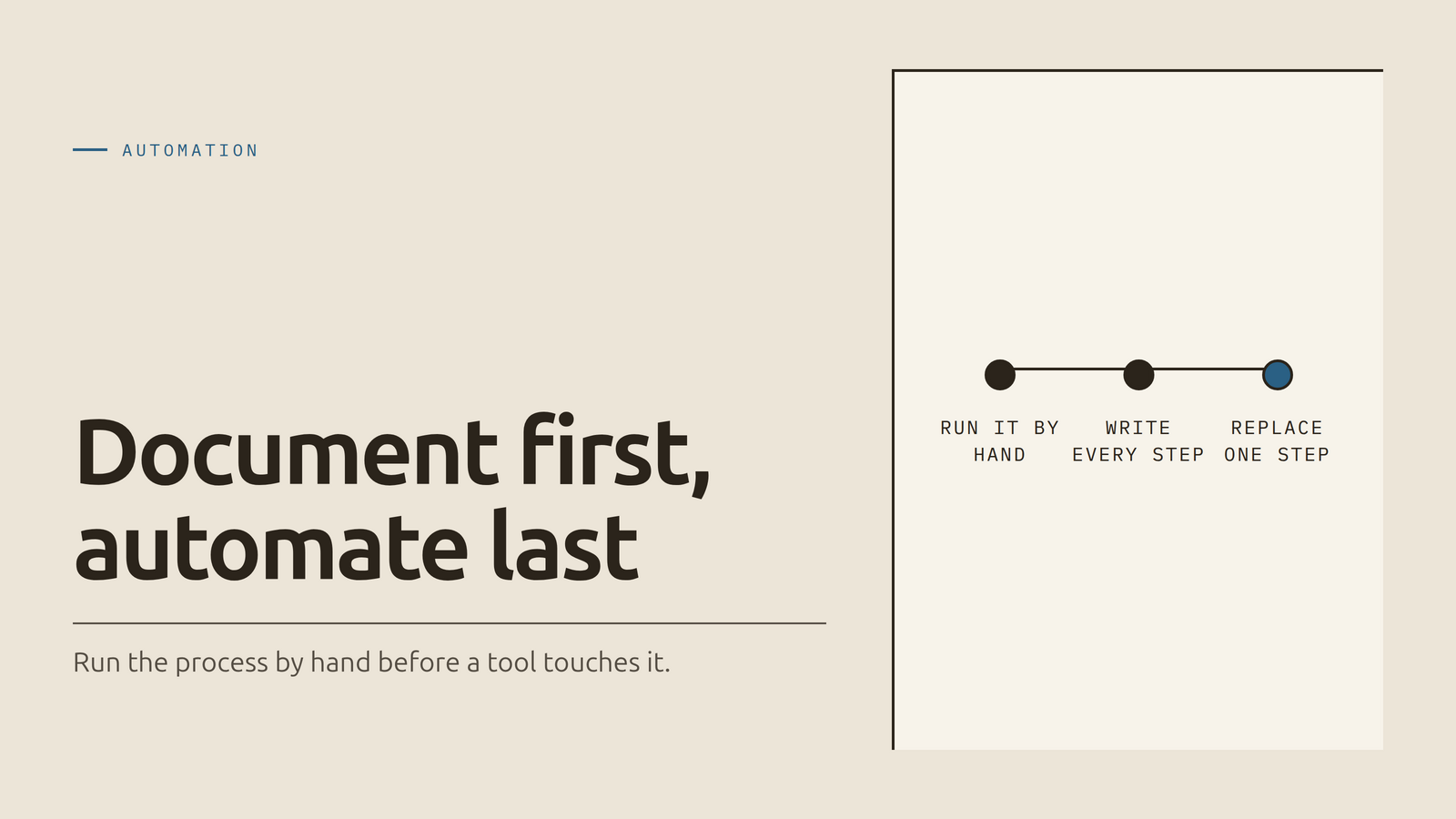
The reliable alternative is to run the process manually, write down every step, then remove steps one at a time. You end up with something that works because it grew out of a workflow that already worked.
Start from the task, not the tool
Choose something you already repeat on a schedule. A weekly report, a batch of social posts, a review of new comments, a refresh of prices. All good candidates, because they are already happening and already annoying you.
A task you do once is not worth automating, and neither is a task you have not done yet. You cannot document a process you have never run, and the parts you would automate are exactly the parts you have not noticed yet.
Do it by hand once, and write every step down
Do the task manually while noting every input, every decision and every output. The writing is the work here. A process that lives only in your head has no steps to replace, because you cannot see them.
Note where you had to think and where you simply moved data from one place to another. Exporting a report is mechanical. Deciding whether the numbers look wrong is judgement.
The mechanical steps are your automation candidates. The judgement calls may still need a person, and pretending otherwise is how automated systems produce confident nonsense.
Separate the mechanical from the judgement
Most processes are a small amount of judgement wrapped in a large amount of moving data around. The automation should take the wrapper and leave the decision with you.
That means the job fetches, normalises and files the numbers, then asks you a question about them. It does not decide whether to increase a budget, email a merchant, or publish something. Those are the steps where a wrong answer has consequences a script cannot evaluate. The three categories worth keeping human are judgement, relationships and approval.
Replace one step, then run both
Start with the first mechanical step. If the task begins by collecting numbers from three dashboards, write a small script that fetches them into one file.
Then run it in parallel with the manual process for a while and compare. If the two agree, trust the script. If they disagree, you have found an assumption you did not know you were making, which is the actual value of this period. Skipping the comparison is how automated reports end up quietly wrong for months.
A week of parallel running is usually enough, and it is a cheap price for finding the bug while the manual version is still there to check against. This is the same discipline as counting only approved money in an affiliate report: the comparison is the feature, not the overhead.
Schedule only after the manual replacement is stable
A scheduled job that fails silently is worse than a manual task that occasionally slips, because at least the manual task reveals its own gaps. You notice when you have not run it. Nobody notices when a cron job stops.
So do not schedule until the step runs reliably by hand, on demand, producing the same output twice in a row. Stability first, then timing.
Make it fail loudly
Add an alert to yourself when the job fails, and a second one for when it produces an implausible result. The second matters more. A total of zero is a failure even though the process exited cleanly, and so is a figure that triples last week's.
A report that runs every Monday and never tells you it broke is a liability rather than a tool. The alert is not a nicety you add later. It is the difference between an automation and something you are quietly trusting for no reason.
Keep the manual version documented
Automation should make a process easier to audit, not opaque. When a tool changes its interface or an API key expires, the written steps tell you what the job was supposed to do and how to check whether it still does.
Keep the notes next to the script rather than in a document nobody opens. The written steps are the specification, and when the automation is being repaired under time pressure, they are the only thing that tells you what correct looks like.
One workflow at a time, separate outputs
Only after one workflow is reliable should you add the next. A handful of dependable automations beats a grand system that half-works.
The discipline repeats: observe, document, replace one step, verify, then schedule. When you add a second workflow, keep its outputs in a separate file or folder, so a failure in one job cannot quietly corrupt the results of another.
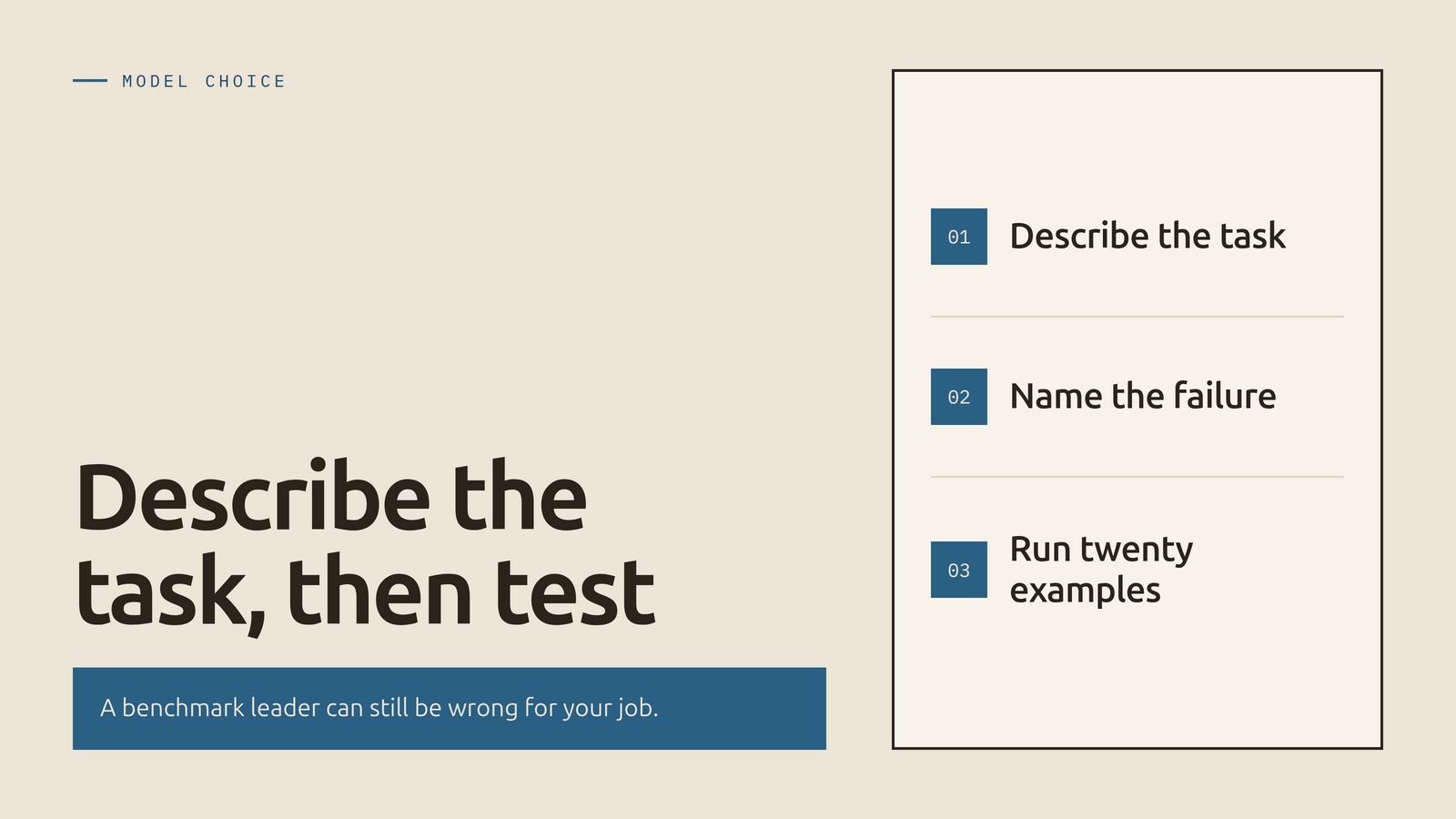
If the second workflow is a posting schedule, the traps are different enough to be worth reading about separately in scheduling social posts with a script. And if the step you want to automate is a judgement call about which model or which wording to use, that is a signal to keep it manual. That case is covered in picking a model by task.