Disclosure: This article contains affiliate links. If you subscribe through them, we may earn a small commission. It never changes what you pay.
Your terminal doesn't care where you are. That's the promise of modern development, and it's also the catch. You SSH into a remote box from a café, push to GitHub from an airport, call a model endpoint from a co-working desk, and open production credentials over whatever network happens to be nearby. Every one of those moves crosses a connection you don't control, and a few of them trip over the same IP address.
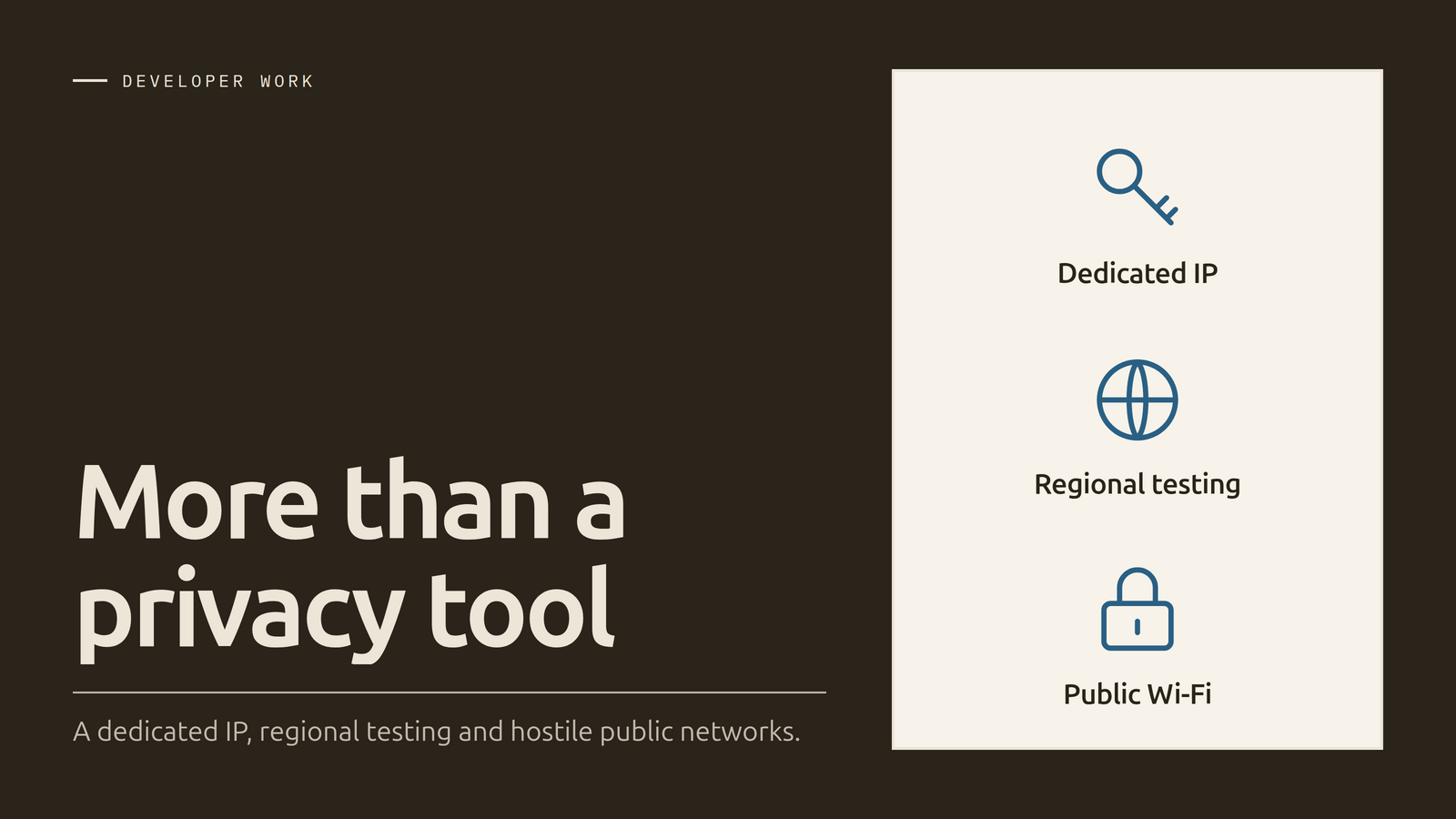
A VPN sounds like a tool for streaming and shopping. For developers and AI builders, it works more like infrastructure. The right setup keeps your sessions stable, your tests honest, and your keys out of reach. Here are the places it quietly earns its place in your stack.
SponsoredGet Surfshark
Use Case 1: Streamlining Remote Server Access with a Dedicated IP
If you manage servers, you know the ritual. Open a terminal, start an SSH session, clear an MFA prompt, then watch the same host ask you to prove yourself again on the next connection because the exit address changed. Cloud consoles, managed databases, and admin panels treat a rotating IP as a risk signal. They re-authenticate you, throw captchas at you, or quietly lock you out until a rate limit expires.
A Dedicated IP changes the shape of that problem. Instead of borrowing an address that shifts every session, you get one stable address that belongs to you. Add it to your cloud firewall allowlist, your database's trusted sources, and your API's IP restrictions once, then stop fighting the same wall.
That stability pays off in ordinary, everyday ways:
- SSH and SFTP sessions that don't ask you to re-approve the same device every few minutes.
- Managed databases with IP allowlists that actually hold, so your client stays connected while you work.
- Admin consoles and CI runners that pin a known source address instead of guessing.
- Sensitive API endpoints that only answer a caller they recognize.
Pick a server location near the infrastructure you manage so your round trips stay quick. A stable address is only useful if it's also a fast one.
SponsoredGet Surfshark
If you're testing the waters, the 30-day money-back guarantee gives you room to try it on real projects, and the 7-day mobile free trial covers the phone you keep in your pocket.
Use Case 2: Multi-Region Testing and API Endpoint Verification
"The feature works on my laptop" is the oldest bug report in software. Half the time, the real variable is location, and your laptop only ever lives in one.
A VPN lets you choose where your traffic appears to come from, which turns a hard-to-reproduce bug into a quick check. Switch locations and confirm the things a single region hides:
- Localized web apps that should show the right currency, language, and tax rules for each market.
- Regional AI model deployments, so you can see which endpoint answers a request and where the latency lands.
- Edge and CDN behavior, verified from the region your users actually sit in.
- Region-gated features, caught before a customer finds them for you.
It's just as useful for testing limits. When you're checking how an API behaves under load, you want to understand per-region rate limits without flagging your own office IP and locking everyone out for the afternoon. Testing from a few locations gives you a clearer picture and keeps your day job running.
If you are comparing model providers rather than debugging one, the same approach applies. Latency from your users' regions is a better input than a benchmark, and the selection criteria in picking a model by task are worth testing against real numbers.
Use Case 3: Securing Credentials and Code Pushes on Public Wi-Fi
Public Wi-Fi is convenient, and it's the least trustworthy network you'll use all week. Cafés, airports, hotels, and co-working spaces are shared by strangers, and the traffic on them is exactly the traffic worth stealing: API keys, environment files, access tokens, and a git push that carries your latest work.
A VPN encrypts your traffic before it reaches that network, so a session you start in a coffee shop is as private as one you start at home. Put it in front of the things you'd rather not broadcast:
- API keys and secrets you load into a shell or a
.envfile. - Git pushes and pulls to GitHub, GitLab, or your own remote.
- Database clients pointed at production or staging.
- Dashboards and consoles where a stolen session is a real problem.
You don't have to change how you work. You just stop trusting the room.
An untrusted network is only one half of the risk. The other half is a convincing message, which is where AI-assisted phishing does most of its work now. A VPN narrows the network angle, and the account controls in that piece cover the rest.
A Few More Perks Worth Knowing
Once a VPN is part of your setup, the smaller wins show up on their own:
- CleanWeb blocks ads, trackers, and malicious scripts, so documentation pages and dev portals load faster and your browser does less work in the background.
- Unlimited devices means your laptop, phone, and test machines can all be covered without counting seats.
- 30-day money-back guarantee if it doesn't fit your workflow, and a 7-day mobile free trial to try it first.
The Bottom Line
A VPN won't write your code or tune your model, but it removes a category of friction that has nothing to do with either. A Dedicated IP ends the re-authentication loop when you reach your servers. Location switching makes multi-region testing a two-minute job. And encrypted traffic keeps your keys and commits out of reach on networks you don't own.
For a developer or AI builder who works from anywhere, that's not a luxury. It's part of the toolkit.
SponsoredGet Surfshark
Thirty days to try it, seven days on mobile to start, and no long-term commitment either way.