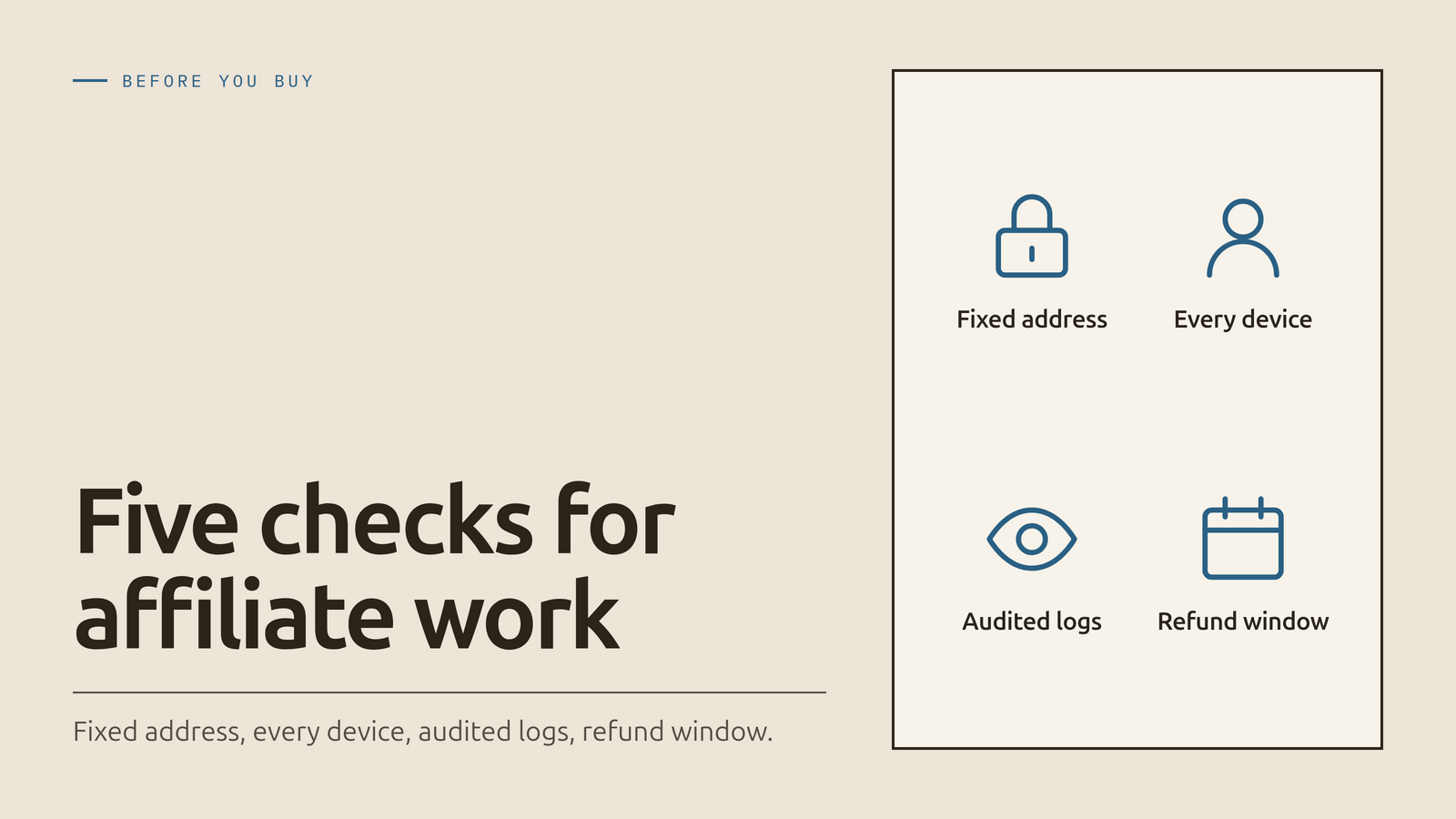
VPNs for affiliate marketers: what to check before you pay
Most VPN reviews are written for people who want to watch a football match from another country. Affiliate work asks for something narrower and more awkward: a stable address so a network does not flag you for hopping countries between logins, enough simultaneous connections for a work laptop, a phone and two browsers, and a provider whose logging policy you can point at when a merchant disputes a click. Those are different requirements, and they eliminate most of the market.
What follows is the five checks worth doing before paying, then where one provider — Surfshark, the one this site is affiliated with — actually lands on them, including the parts where it is the wrong answer.
1. Does it give you a fixed address, or a new one every time?
This is the check most people skip and the one that matters most in this job. A standard VPN plan hands you a shared address that changes each time you connect. That is good for privacy and bad for anything that needs a reputation: an affiliate dashboard that sends a login alert every morning, a merchant portal that decides your account is "travelling", a SERP check that quietly serves a different country's results because the exit node rotated.
A dedicated or static IP is the fix, and it is almost always a paid extra rather than part of the plan. Surfshark sells one as an add-on — its page quotes a starting rate and describes the product as one address held across all your devices, which is the behaviour you want: same exit, every session, so the pattern a merchant sees is a person who works from one place rather than a script that moves.
The limit worth knowing is on the vendor's own page: because a dedicated address is tied to your account, it offers less privacy than a shared one. You are trading anonymity for a stable identity. That is the right trade for a work login and the wrong one if what you actually wanted was to be untraceable.
2. Will it hold every device and profile you actually use?
Count them honestly: laptop, phone, tablet, a second browser profile for the client account, a spare machine for testing. Per-device limits are where cheap plans become expensive, because the fix is a second subscription. Surfshark's figure is unlimited simultaneous devices on one account, across a network it describes as 4,500+ servers in 100 countries — enough that a geo check can be done from the country the campaign targets rather than from wherever you happen to sit.
Unlimited connections is also a security argument, not just a convenience one. When connections are capped, people share logins instead, and a shared login is an account you cannot audit.
3. What does the provider actually know about you?
A VPN sits in front of every login you own, which makes the logging question a business question rather than a philosophical one. Two things are checkable: whether an independent firm has looked at the no-logs claim, and which legal jurisdiction the company answers to.
On the first, Surfshark publishes assurance reports by Deloitte covering its no-logs policy, and runs its server fleet on RAM only, which means a server restart wipes what was in memory. Those are the provider's claims, backed by documents it publishes; read them rather than the marketing summary. On the second, the operating company is Surfshark B.V., registered in Amsterdam — Netherlands jurisdiction, which is what any disclosure request or subpoena would run through.
The general rule: a provider that will not name its auditor, or whose privacy policy describes what it collects in vaguer terms than its homepage does, has told you the answer.
4. Can you test it inside the window you have?
Every plan on Surfshark's pricing page carried a 30-day money-back guarantee when this was written. That window is the only part of the purchase you can evaluate at no cost, and 30 days is long enough to answer the questions a spec sheet cannot: does the connection hold on your own line, does the merchant portal stop complaining, does the static address survive a laptop restart.
Two practical notes. Put the refund deadline in a calendar on the day you pay. And test the thing you bought it for during the first week, not the fourth — a refund you discover you needed on day 28 is a refund you will not get in time.
5. What does it cost at the rate you will renew at?
VPN pricing is a two-part price: the term you sign for and the term you renew into, and they are rarely the same number. Surfshark's page quotes a low per-month rate on a multi-year term, with a crossed-out figure beside it and a renewal clause that does not fix the future price. The arithmetic and the wording are worth reading in full — that is what the cost breakdown does, using the page's own numbers.
As a planning figure: the dedicated IP is an extra line on top of the plan, and the cheap monthly rate only exists because you paid for more than two years at once. Prices were checked on 5 November 2026 and the renewal price is the number that decides whether this is a good buy or a good first year.
Where Surfshark lands, honestly
It passes all five checks, which is why it is the recommendation on this page: an address you can keep, no device ceiling, an audited no-logs claim, a refund window that covers a real test, and a published price you can annualise before you commit.
The parts that are not flattering. The dedicated IP costs extra and is the whole reason to choose this for affiliate work — without it you are buying a consumer VPN and getting a rotating address. The 24-month term is a commitment dressed as a bargain. And the consumer bundle around the VPN is larger than this job needs; if you are buying for a work laptop alone, you are paying for scam alerts and identity tools you may never open.
SponsoredSurfshark plans and the dedicated IP add-on — this is an affiliate link; a purchase through it earns this site a commission at no extra cost to you, and it does not change what the checks above say.
The alternative I would pick instead
If the only thing you need is a fixed address for scripts — SERP pulls, price checks, an API that rate-limits by IP — a small VPS with a static IP is cheaper, faster and far more controllable than a VPN add-on, and it does not ask you to route your own browsing through it. Buy the VPS. The VPN is the right tool when the fixed address has to come with a normal browser fingerprint and a human logging into merchant portals from it, which is the affiliate case that actually needs one.
And if your need is geo-testing in twenty countries, no single dedicated IP solves it: that is a rotating shared plan plus a checklist, and the fixed address is for the accounts that must not move.
A five-minute setup for an affiliate workstation
- Install the client on the work laptop and the phone, and sign in with the same account so both show the same exit address.
- Turn on the dedicated address before the first merchant login, not after. The reputation you are protecting starts with the first request.
- Pin the exit country to where the campaign runs, and resist changing it mid-flight; the point of the fixed address is that it does not move.
- Open the two portals you care about and check for a login alert or a verification prompt. If one appears, note it — that is the baseline you are improving on.
- Put the refund date in the calendar, and a note to re-check the renewal price in the month before the term ends.
Questions this page gets asked
Do I need a VPN at all if I work from one place?
Not for privacy, and probably not for the work itself — a home connection is fine for a merchant portal. You need one when accounts have to appear in a different country, when a network blocks your home address, or when you want a work identity that is not your home IP on every client's logs.
Is a shared VPN address enough for affiliate dashboards?
Sometimes, and it is the riskiest way to find out. Shared addresses are used by many people at once and change on reconnect, so a dashboard that flags unusual logins will keep flagging you. A fixed address costs extra precisely because it removes that variable.
What happens to my clicks if the VPN changes my IP mid-session?
Attribution does not break because of the VPN — the click is tracked by the redirect and the cookie, not by your IP. What does break is anything a merchant's fraud check scores on the login, and any test where you assumed you were browsing from one country and were not. Check the exit address before you trust a geo result.
Does a VPN hide what I do from the affiliate network?
No. The network sees the click arrive from Surfshark's redirect and records the sub-id and source parameters that identify the placement; that is the entire point of them. A VPN changes what a merchant portal sees when you log in, not what the tracking network records when a reader clicks.
What this site earns from links like the one above, and the rules that come with it, are set out on the disclosure page. Prices and terms were checked on 5 November 2026; the renewal line and the refund date are the two fields that do not get better with age.