A conversion pixel that fires on both the confirmation page and a redirect is common. It is also costing you data. If your tracking pixel fires twice for one order, every report downstream of it is wrong in the same direction: conversions look better than they are, cost per acquisition looks cheaper than it is, and the decision you make about scaling or cutting spend is made on a number that does not exist. The good news is that a duplicate is easy to see once you know where to look, and most of the causes are in your own tag setup rather than in the merchant's page.
Three ways a tracking pixel fires twice on one conversion
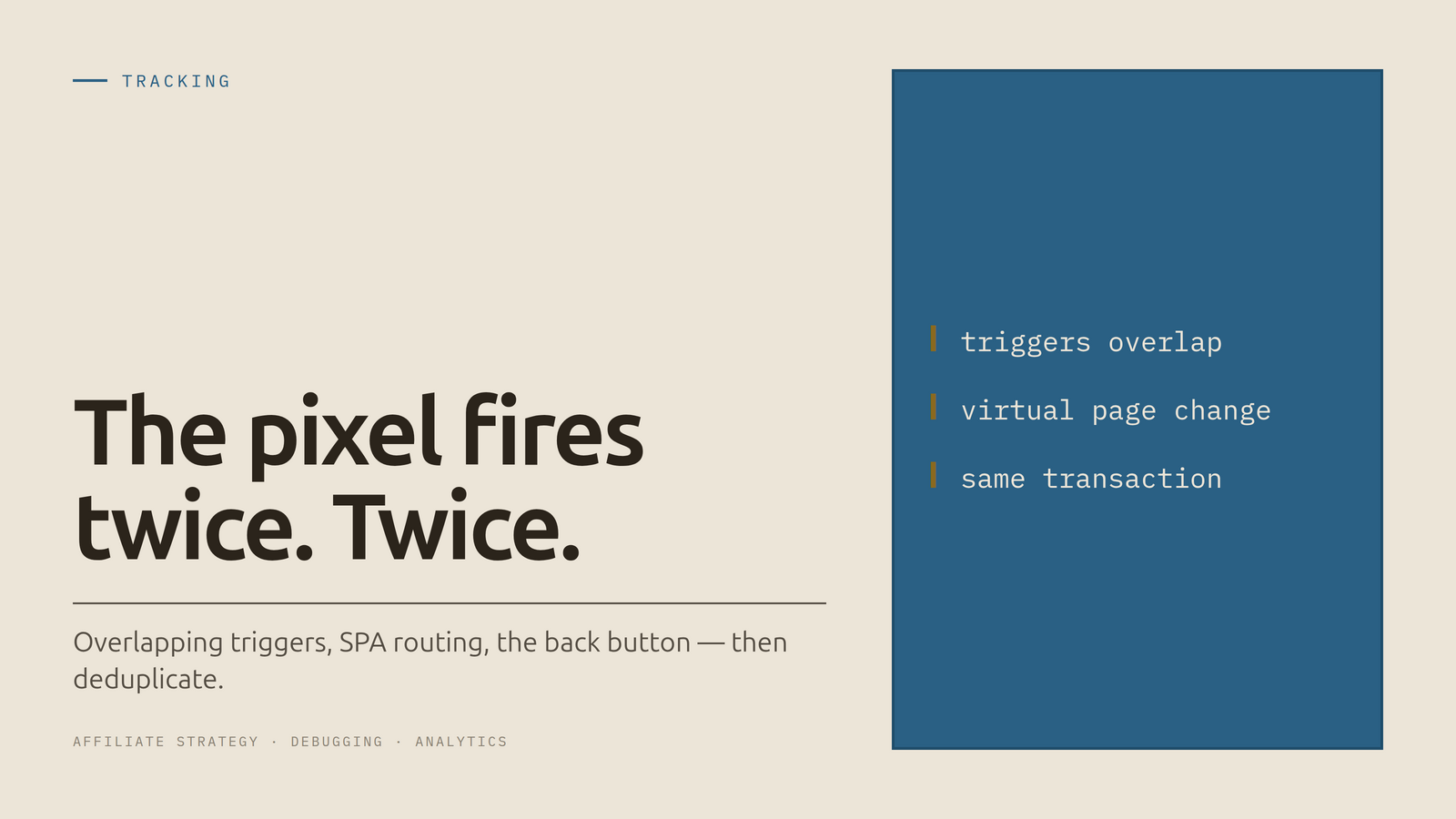
The first is overlapping triggers in the tag manager. A typical container has a "Purchase Complete" trigger and a broader "Page View" or "All Pages" trigger, and the confirmation page satisfies both. Both tags fire, and both look correct in isolation, which is why the problem survives for months. Overlap is the default state of a container that has been edited by more than one person over time.
The second is single page app routing. On a site that renders navigation without a full page load, a pixel can fire on the virtual page change and then again on the actual navigation that follows. The container sees two events because there genuinely are two, and without a guard the tag fires for each.
The third is the back button. If a buyer reaches the confirmation page, presses back, and then forward again, the page can be replayed from cache and the pixel fires a second time for the same order. The same thing happens when a buyer refreshes the confirmation page, which people do more often than you would think, usually because they want to screenshot the order number.
There is a fourth, less tidy version: the merchant's confirmation page fires its own pixel and you fire another one from your container. Both are legitimate tags pointed at the same network, and neither is broken, but together they describe one order twice.
The debug pass: watch the network log, not the report
Reports lag and often deduplicate before you ever see them, so start in the browser. Open DevTools, switch to the Network tab, and filter for the tracking domain so the noise drops away. Then complete a test purchase, or ask the merchant whether they can put an order into a test state for you, and watch the log as it happens.
You will see each pixel fire with its own timestamp and its own request. Two calls within seconds is the duplicate. If they arrive further apart, you are probably looking at a session replay rather than a double trigger, and the back button paragraph applies.
Then compare the payloads. Check whether both calls carry the same transaction ID or order reference. If they do, one of them is definitely redundant, because the network is being told about a single sale twice. If they carry different IDs, the situation is worse than a duplicate: something is generating a second order number, and the conversation belongs with the merchant.
Also read the initiator column. It tells you which script or tag fired each request, and that is what turns a symptom into a fix. A duplicate where both calls come from the same tag is a trigger problem. A duplicate where one call comes from the merchant's page and the other from your container is a double-tagging problem, and the fix is to turn one of them off.
Fixing it in the tag manager
For overlapping triggers, the cheapest fix is to narrow the trigger rather than add a cap. Replace the broad condition with a "confirmation page only" trigger that matches the page the buyer actually lands on after checkout, then check whether any other tag still uses an "all pages" condition that happens to include it.
Where narrowing is not possible, add a once-per-session cap, or better, a guard keyed on the transaction ID: fire only if this ID has not already been sent. That keeps the tag honest if a buyer refreshes the page, and it also survives the back button, which a session cap does not.
If the merchant's page fires the pixel and you fire another one through your container, disable one of them. Keep the one you control if you need the data in your own reporting, and keep the merchant's if their setup is the one that carries the order value and currency correctly. Do not keep both and hope the network sorts it out.
After any change, publish the container, then repeat the debug pass. A fix that is not re-tested is a hypothesis, and the confirmation page is the only place the truth shows up.
Deduplication on the merchant side
Some merchants deduplicate by transaction ID before the postback leaves their system. Ask them directly whether they do, and ask which field they treat as the key. Most will tell you, and it changes how much of the problem is yours.
If the merchant deduplicates, a duplicate call may be recorded and then dropped, which means your network-side numbers look fine while your browser-side tag still fires twice. That is not a reason to leave it. The tag is still doing unnecessary work, still sending data about buyers to a third party twice, and still capable of producing a double count on any endpoint that does not deduplicate. Use their dedup as a second line of defence, never as the fix.
If the merchant does not deduplicate, you are relying on the affiliate network to catch it, and networks vary. Some reconcile on the order reference, some take what arrives, and some count a duplicate as a second conversion until a reversal removes it. That last case is the one that quietly inflates a month and then deflates the next one, which is exactly the pattern that makes people distrust their own dashboards.
How to prove the fix holds
Test in pairs, and expect a specific result in both directions:
- Two distinct test transactions should produce two pixel fires, which proves you have not over-corrected into dropping real conversions.
- One transaction should produce exactly one fire, which proves the guard is doing its job.
- A refresh of the confirmation page should produce nothing new, which proves the guard survives the back button.
Then check the same thing in the platform report, not just the browser log, because the report is where the number that drives decisions lives. Compare the reported conversions for your test period against the orders you know you created. If the report shows more, something is still double counting on a path your browser test did not touch, and the usual suspect is a second confirmation URL or a thank-you page variation.
| Symptom | Where it shows up | Likely cause | First fix |
|---|---|---|---|
| Two calls within seconds, same ID | Network log | Overlapping triggers | Narrow the trigger, or guard on the ID |
| Fire on route change, then again on load | Network log, initiator column | Single page app routing | Fire on the confirmation route only |
| Fire after back or refresh | Network log, repeat visits | Page replayed from cache | Guard keyed on transaction ID |
| Two calls from different hosts | Network log, two domains | Merchant pixel plus your own | Disable one of them |
| Duplicate call, normal report | Platform report only | Merchant deduplication | Fix the trigger anyway |
Keep the pair of test results in your notes with the date. When a future duplicate appears, the previous result tells you which paths were clean and narrows the search in minutes. If the numbers feed a client report or an automated summary, the same discipline applies: automating affiliate reports only helps if the events underneath them are counted once. And since a duplicate is an attribution problem at heart, affiliate attribution basics is the right background on how the credit gets assigned in the first place.
FAQ
Why does a duplicate pixel matter if the network deduplicates?
Because deduplication is a safety net on one endpoint, not a correction for the rest of your stack. The duplicate call still leaves the browser, still reaches a third party, and still inflates any tool that does not run the same reconciliation. It also hides the underlying trigger fault, which will resurface the moment you add a second destination or a new confirmation page. Treat deduplication as the reason a bad week did not cost you money, not as the reason to leave the fault in place.
How do I test a pixel without sending real traffic?
Ask the merchant whether they can place an order in a test state, since a real purchase is the most faithful test and not every merchant offers one. If they cannot, complete a small purchase and treat the confirmation page as the test. Watch the network log while the page loads rather than afterwards, because the request happens once and the timing is the diagnostic. Record what you saw and when, so a later duplicate can be compared against a known-good result.
Can I just cap the pixel at once per session?
You can, and it stops the obvious duplicate, but a session cap is blunt in both directions. It may suppress a genuine second purchase from the same buyer in the same session, which is a real pattern on comparison sites and in gift buying. A guard keyed on the transaction ID is more precise: it allows as many conversions as there are orders and blocks only the repeat of one. Use the session cap when you have no ID to key on and the double count is worse than the occasional miss.
Next week, run one test purchase with the network log open, count the fires, and write the answer down next to the transaction ID. One sale should be one call, and until you have seen that happen on purpose, you do not know what your conversion data means.
Some links on this site are affiliate links. The disclosure page explains how that works.