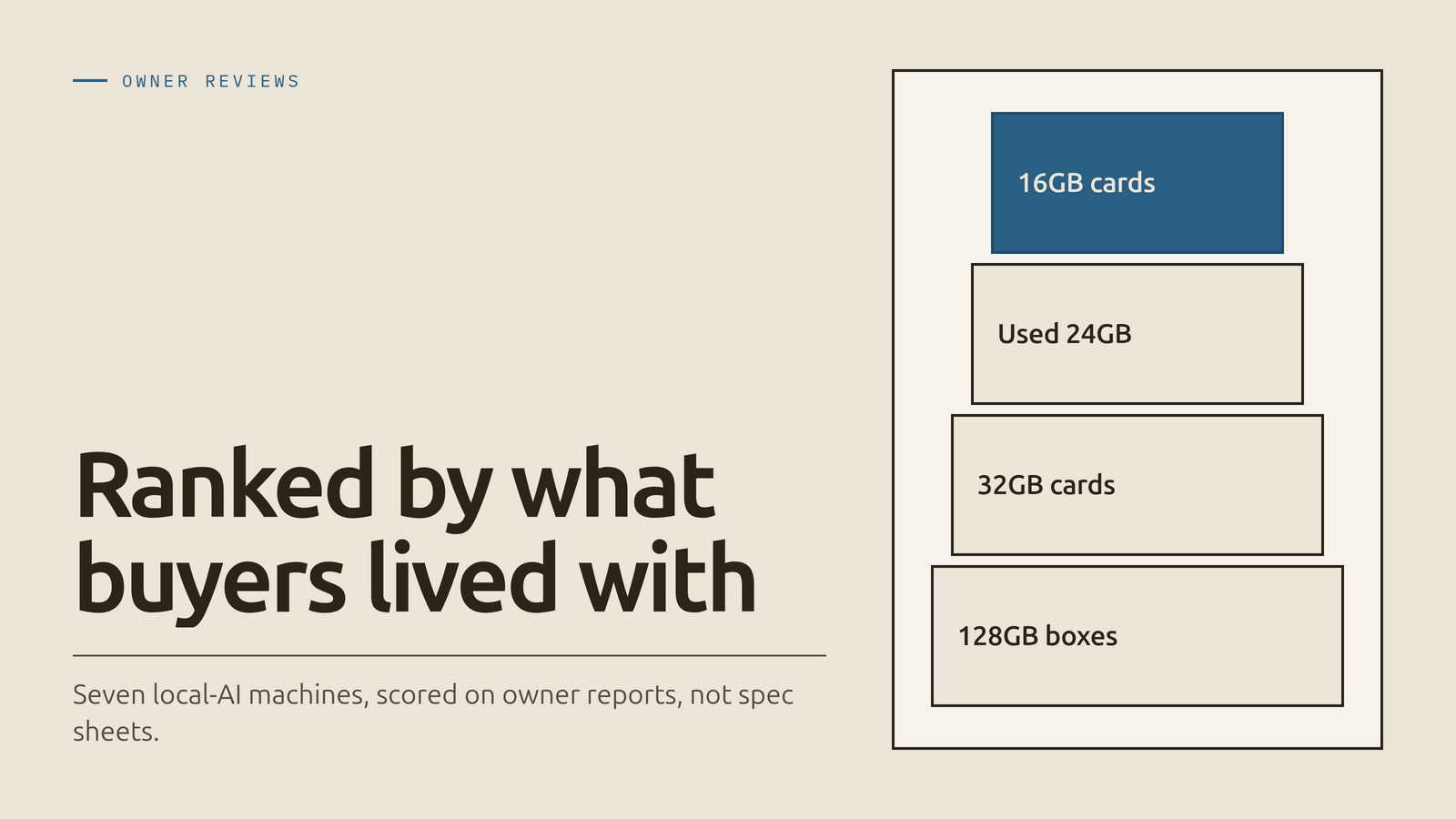
Local AI hardware on Amazon, ranked by what owners report
Spec sheets say which card has the most memory bandwidth. They do not say that the blower sounds like a hairdryer at full load, that the second 10GbE port dies after an OS update, or that the flagship card needs a 1200W supply before it will behave. Owners say those things, in public, on the product page.
So this ranking is built from the reviews rather than the datasheets. For each of the seven machines below we read the customer-review material on its own Amazon listing on 5 November 2026 — the verbatim review excerpts and the per-aspect tallies Amazon publishes on the product page — and ranked on what buyers reported after the box arrived: how it performed on models they actually ran, what failed, and whether they would buy it again. Where the reported experience and the spec sheet disagree, the reviews win.
Some links on this page are affiliate links — each one is marked Sponsored. If you buy through one, this site earns a commission and you pay the same price; the disclosure page has the full rules. As an Amazon Associate we earn from qualifying purchases. Prices checked 5 November 2026, and the figure on the listing at checkout is the only one that counts. No manufacturer has seen this article, and nothing below is a hands-on test — we did not run a single one of these machines. Everything marked as praise or as a complaint is what buyers wrote.
1. ASRock Radeon AI PRO R9700 32GB — the card this list exists for
Sixty-six ratings at 4.4 stars, and the reviews read like they were written by people running the same workloads you are: quantised models, LM Studio, Ollama, long contexts. One owner reports Qwen3.8-Flash-Next, a 125B model, at 60–68 tokens per second. Another gets over 100 tokens per second from a 35B mixture-of-experts model at Q6_K with contexts under 30k. A third buys them in pairs and points out that two cards give 64GB for "1/3 the cost of a 5090" while doubling the memory.
That last sentence is the whole argument. Thirty-two gigabytes in one slot is the cheapest way to hold a 70B-class model at 4-bit without splitting it across cards, and AMD's 32GB card does it without Nvidia's resale premium. The per-aspect tallies are unusually strong for a workstation card: performance 83% positive across 36 mentions, value for money 88%.
What owners complain about is physical. The blower is genuinely loud — "extremely loud when running on full throttle", one writes, and another suggests putting the machine in another room. Coil whine turns up in more than one review. The ecosystem caveat is real too: one buyer says compatibility "is getting better but it's not there", and a 32GB card with a slower GDDR6 bus will lose to a 5090 on prompt processing even when it wins on model size.
Radeon AI PRO R9700 32GB on Amazon — arm your ears, not your fears; buy it for capacity, not for quiet.
2. NVIDIA RTX 5090 32GB — fastest, and the reviews are honest about the bill
272 ratings at 4.4 stars. The praise is what you would expect from the fastest consumer card on the market, and it is refreshingly specific: one owner measures a hundred frames more than their previous 4090 with lower temperatures, and owners who bought it for AI mention 32GB of memory running local models "at high speed" without further ceremony.
The complaints are the useful part. Value for money is the single mixed aspect on the page — 34 mentions, split roughly evenly — and the language is blunt: "way too expensive to be coming with this type of defects". Two physical realities recur. The card is enormous; one reviewer says a full-size, E-ATX-capable case is "pretty much required" and that they would not try to squeeze it into a mid tower. And the power draw is not theoretical: "this GPU can draw up to a staggering 600 watts; a 1200 is MANDATORY." Buyers also report the fans getting loud under sustained load, which is a different experience from the idle silence the marketing implies.
The listing we read had no buy box at all when we looked — no featured offer, no price — which is its own data point about availability at the top of this market.
ASUS ROG Astral RTX 5090 32GB on Amazon — the fastest answer, priced like an emergency.
3. Used RTX 3090 24GB — the cheapest 24GB, if you believe the listing
The 3090 is the card that made local models affordable, and its review record is the deepest here: 987 ratings at 4.6 stars, performance 84% positive across 137 mentions. Owners praise stability and thermals, which is the right thing to care about in a four-year-old card being asked to run inference for hours.
The complaints describe a card that was always awkward: it is loud, it runs hot enough that one owner says to "invest in proper cooling", it sags badly enough to need a support bracket, and the power connectors want attention — "get your Power Supply Unit and PSU cables in check". None of that is a defect. All of it is what happens when 350W of 2020-era silicon ends up in a case built for something smaller.
The real warning is the price. The offer we saw was a used "Very Good" unit at $1,799.22 from a marketplace seller — well above what a five-year-old card should cost, and the number moves with whoever happens to be listing. A 3090 only makes sense as a budget route if you find one at a genuinely used price; at this ask, two of them cost more than a new card with the same memory and none of the risk.
EVGA RTX 3090 FTW3 Ultra 24GB on Amazon — check the seller and the price before the card.
4. RTX 5070 Ti 16GB — quiet, cool, and one of the few with a DOA problem
734 ratings at 4.5 stars, and the strongest cooling sentiment on this list: 88% positive across 32 mentions. Owners keep repeating the same three things — quiet, no coil whine, runs cool — with one adding that it is "very powerful yet silent" and another noting it shipped with a support bracket, which is the sort of detail that separates a good listing from a bad one.
Then the complaints get specific in a way that matters for anyone buying a card to run models unattended. At least one buyer received a dead-on-arrival unit that worked in safe mode and produced "severe horizontal green artifacting" otherwise. Another calls it "the most crashing & instability I've seen so far from an NVIDIA GPU" — a single data point, but the kind you want to know about before a 12-hour fine-tune. And the 16-pin power adapter still annoys people: "is it too much to ask to throw in a 12VHPWR cable instead of this stupid mess of a 16 pin daisy chain adapter?"
Sixteen gigabytes is the awkward size in 2026. Fine for 7B to 14B models, tight for anything larger, and the reason the card sits below the two 32GB options rather than because of anything the reviews said.
GIGABYTE RTX 5070 Ti Gaming OC 16GB on Amazon — the quiet middle, with a power-adapter asterisk.
5. RTX 5060 Ti 16GB — the cheapest way to double your VRAM, and the reviews know it
249 ratings at 4.6 stars. The AI-specific reviews are the reason it is on this list at all: "local AI models are VRAM hungry, and this was a cheap way to double my VRAM", plus a beginner's report that they use it "to learn about AI, run LLM" and it "does wonders" once set up properly. For a first local model, 16GB at the bottom of the price ladder is a sensible place to start.
Owners are less happy about two things. The card is bigger than the "small form factor" framing suggests, and it sags — "make sure to get some kind of support bracket". And the price: value for money is the weak aspect here, 71% positive across 21 mentions, with one buyer keeping score of their own purchase — they paid $609.99 in April 2026 and watched the same listing reach $829 five months later. That review is worth reading as a warning about timing rather than about the card.
On the Canadian connection we used, the buy box read CA$1,159.70, in stock, sold by Amazon rather than a marketplace seller — the healthiest listing of the seven.
ASUS Prime RTX 5060 Ti 16GB OC on Amazon — buy it for the memory, not the frames.
6. NVIDIA DGX Spark 128GB — 128GB of unified memory with a Linux tax
124 ratings at 4.5 stars for a machine that is barely a year old, which tells you who bought it. The praise is consistent: 128GB unified for the money, under 240W at the wall, 200Gb/s networking, and quiet — "very quiet, very fast" turns up more than once, and one owner summarises it as "large memory overhead for the money".
The complaints are the ones that decide whether you should. First-boot stories are bad: "to the embarrassment of NVIDIA engineers, the WiFi drivers weren't working, and the system wouldn't even finish the initial boot process." The software layer is thinner than the hardware — "you better know LINUX though … you'll be screwed without it" — and one detailed reviewer argues the CPU and GPU are not fast enough for the price, with the on-board CX-7 networking an expensive part you may never use.
Read as a whole, the reviews describe a developer box, not a product. If you want 128GB to hold a big model and you are comfortable in a terminal, the memory per dollar is excellent. If you want it to work on day one, the reviews are telling you something else.
NVIDIA DGX Spark 128GB on Amazon — the most memory per dollar here, and the most setup.
7. Beelink GTR9 Pro (Ryzen AI Max+ 395, 128GB) — the one the reviews warn you off
This is the only machine on the list under four stars: 3.4 from 21 ratings, and the reviews explain exactly why. On paper it is the best value in unified memory on the market — a Strix Halo chip, 128GB, 2TB of storage, listed at $3,659. Owners who got a good unit love it: "one of a kind product in the PC space … quiet, powerful, great desk aesthetics", and another calls it "a perfect fit for my AI platform at home".
The failures are specific and repeated, and they are networking failures, which is fatal for a machine whose job is downloading models: "the 10Gb ethernet NICs disappeared when upgrading the OS the day I received PC", "beware of faulty network cards", and the line that should end the argument — "I can't even get an AI to run on it if I can't connect to the web". One reviewer reports the seller replacing units wholesale, which suggests the fault is known.
Ranked last not because the idea is wrong — 128GB of unified memory in a box the size of a book is the right idea — but because the current listing's own buyers are reporting hardware that arrives broken. Buy the category later, not this unit now.
Beelink GTR9 Pro 128GB on Amazon — wait for the revised board.
Two machines that are not ranked, and why
The Mac Studio would be the obvious unified-memory answer, and it is not on the list for a boring reason: the 128GB M4 Max configuration is no longer sold on Amazon. The only Mac Studio listing left is the 2026 M5 Max, which starts at 36GB in the configuration the page offers, with nine ratings and no price rendered when we looked. An Apple Silicon box is a legitimate way to hold 70B-class models — it is just not a way to do it through this retailer right now.
If 128GB of unified memory is the thing you are actually shopping for, the three machines that sell it are compared on their own page — 128GB for local AI, three boxes — including the one whose owners are reporting dead network ports.
The Intel Arc B580 is the value card everyone mentions and the one we cannot rank. The only real B580 card listing on Amazon has no rating and no review text at all, sold by a third-party reseller, and 12GB is the wrong size for local models in 2026 unless your models are small and your budget is smaller.
What the reviews say about buying, not just owning
Three patterns ran across listings, and they matter more than any single product.
Prices move, and the reviews track them. The 5060 Ti buyer who logged $609.99 to $829 in five months is describing the market, not their card. Prices checked on 5 November 2026 across the seven listings put the 16GB cards anywhere from the mid-hundreds to over two thousand dollars depending on the seller, the 24GB used card at $1,799.22, and the two 128GB boxes at $3,659 and quote-on-request. Amazon listings renew and rotate — a "Renewed" 3090 appears, sells, and the next unit is priced differently — so treat any number in a review, including ours, as a snapshot and check the page you are actually buying from.
Marketplace sellers are the risk, not the model. The worst outcomes in these reviews are seller outcomes: a single remaining unit at an inflated price, a used card graded "Very Good" with no warranty path, a reseller whose name you cannot verify. Sold-and-shipped-by-Amazon listings showed up in this set as the calm ones.
Power and thermals are purchase decisions. The 5090 wants 1200W. The 3090 wants a support bracket and airflow. The R9700 wants to live somewhere the noise does not matter. Every one of those is a cost the spec sheet leaves out, and every one of them was reported by an owner rather than a reviewer.
If you are still picking a model size before a machine, the more useful ordering is memory first, bandwidth second, everything else third — the same logic that choosing a model by the job applies to software.
Questions this page gets asked
Is 16GB of VRAM enough for local AI in 2026?
For 7B to 14B models at four-bit quantisation, yes, comfortably, and the 5060 Ti reviews show beginners doing exactly that. For 30B-class models at useful context lengths, no — you will be offloading to system memory and watching tokens per second collapse. Thirty-two gigabytes is where a single card stops being a compromise.
Should I buy a used RTX 3090 or a new 16GB card?
At the prices we saw, neither is obvious. A used 3090 at $1,799.22 buys 24GB with no warranty and five-year-old silicon; a new 16GB card at a third of that buys less memory with a return window. If the used card is genuinely cheap — well under half of what the listing we read wanted — it is the better AI purchase; at parity, buy new.
Do these cards work on Linux?
The Nvidia cards do, and that is most of why they dominate local AI. The AMD card's reviews describe a working but still-maturing software stack, with one owner saying compatibility "is getting better but it's not there". The DGX Spark is Linux by design, and its reviews say plainly that you need to be comfortable there.
Why rank by reviews instead of benchmarks?
Because benchmarks describe a card on a test bench and reviews describe it in a case, with your power supply, your room temperature and your patience. The failures people report — a dead port, a DOA card, a driver that breaks after an update — do not appear in a frames-per-second chart, and they are the ones that cost you a weekend.
Everything here was read from public Amazon listings on 5 November 2026 and will age. The method will not: read the aspect tallies, read the one-star reviews for the failure mode, check who is selling, and budget for the power supply. What this site earns from the links above is set out in the disclosure.